

Create beautiful sales decks in minutes
Beautiful.ai helps sales teams build professional, on-brand collateral fast—no designers or tedious formatting required. From pitches to proposals, every presentation looks consistent, polished, and ready to win business.
Captivate prospects with polished sales decks
Beautiful.ai helps your sales team create stunning, consistent presentations in minutes. Smart Slides handle the design automatically, just add your content and watch every slide adapt beautifully.

Real-time insights that help you close faster
Beautiful.ai’s built-in analytics show how prospects engage with your pitch so you can follow up at the perfect moment and maintain momentum.

Streamline collaboration & content approvals
Collaborate, share feedback, and get sign-off in real time. Beautiful.ai keeps your team’s presentations aligned and your pitches on point.

“We can let the sales team create a slide without coming to us, and I feel confident as a creative director that the slides are going to look good.”

Brenda Ramsey
Creative Director, Paciolan
“Thanks to Beautiful.ai, the content we’ve created for sales enablement has become significantly better. But in addition to that, everyone at our company is now much more invested and energized to use Beautiful.ai than any other tool we’ve used—and that’s a big win.”

Matt Collins
VP of Marketing, FORM
“Using Beautiful.ai has really allowed us to oversee the sales team’s presentation design and keep everyone on brand. Collaborating has never been easier.”

Kara Margraf
Marketing Manager, IntelAgree
How Beautiful.ai helps sales teams move faster
Sales reps save 8.8 hours weekly — $26K in annual productivity per seller.
From pitch to proposal, Beautiful.ai helps your sales team create stunning, on-brand decks in minutes. Spend less time formatting and more time closing deals.

Track engagement and follow up at the right time
Know who’s viewing your deck, how long they’re engaged, and what slides capture attention. Real-time analytics help your team follow up faster and close smarter.

Craft your pitch with Smart Slides
Smart Slides automatically resize, realign, and animate your content, helping you refine presentations fast without breaking design or wasting time on formatting.
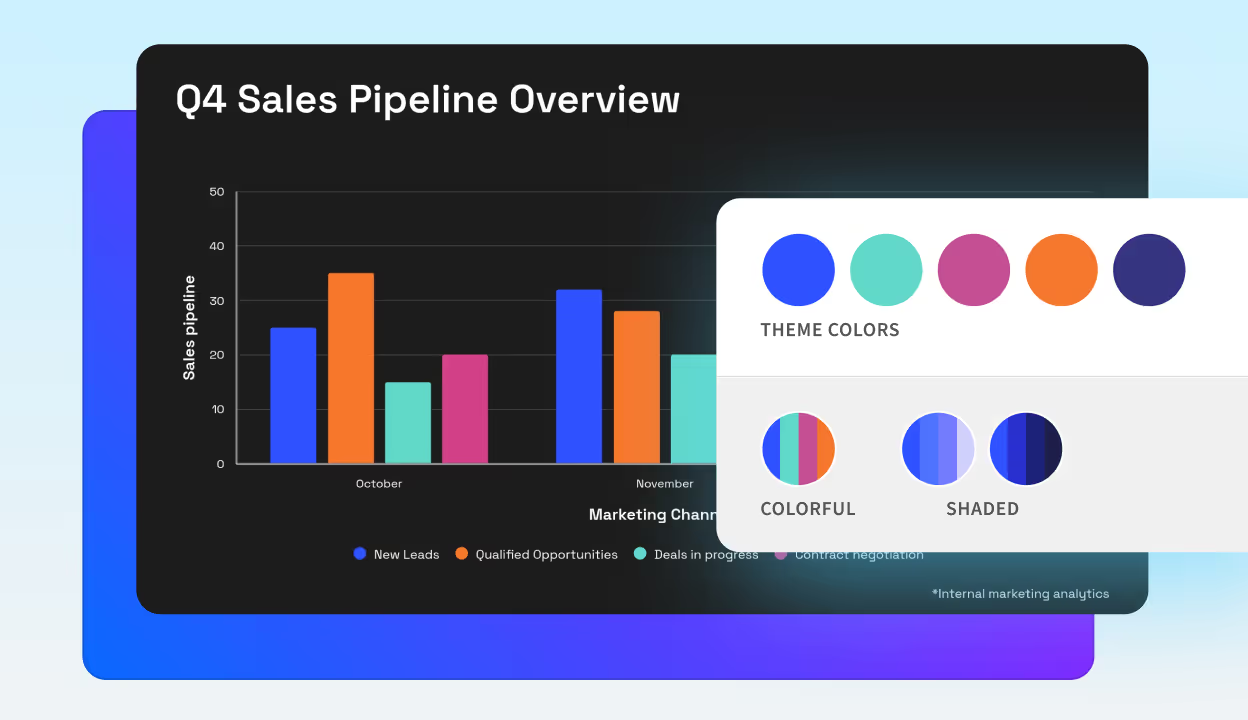
Brand aligned decks, no hassle
Lock in your logo, colors, and fonts once—and every slide stays consistent, polished, and on-brand. Shared themes ensure the marketing team is always happy.
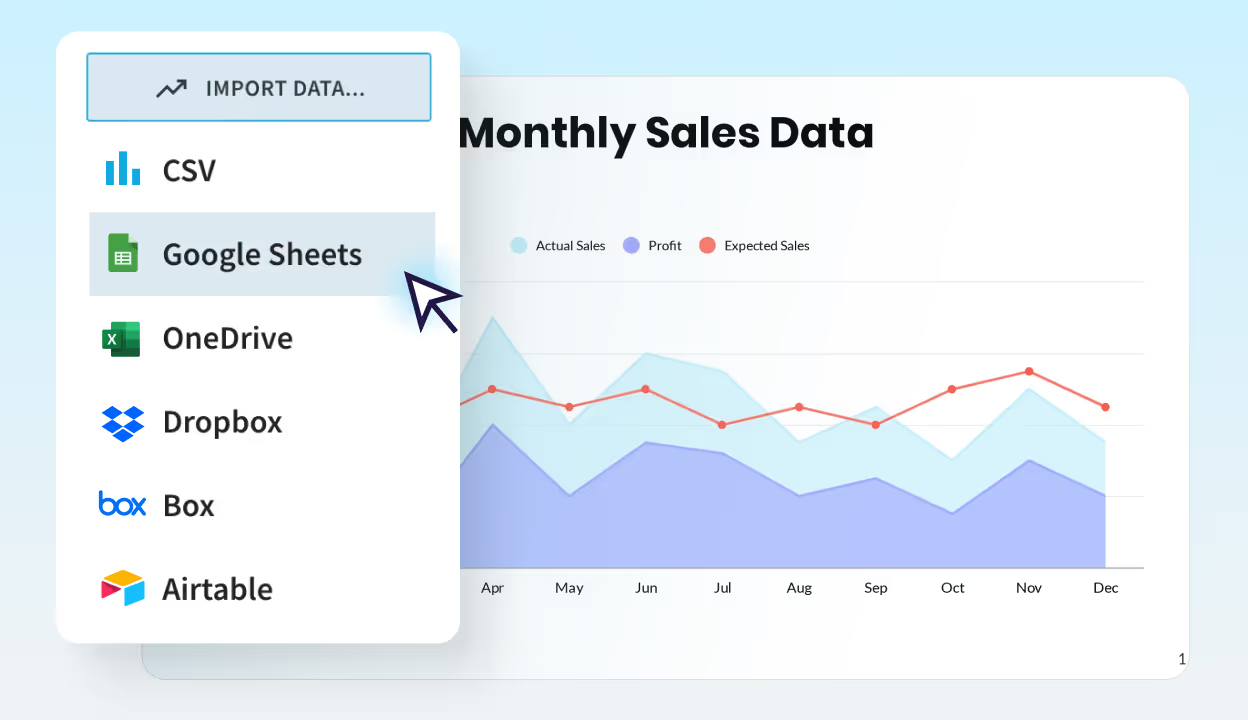
Turn data into stories that sell
Drop in your metrics or connect a spreadsheet: Beautiful.ai transforms data into clear, dynamic visuals that make your results easy to understand and hard to ignore.
Features built to help sales close faster
Everything your sales team needs to create, share, and track on-brand presentations that win more business—without slowing down.
Brand control
Lock in your company’s colors, logos, and fonts once. Every pitch deck, proposal, and follow-up presentation stays consistent, professional, and on brand—no design help required.
Smart Slides
Smart Slides handle design automatically—aligning, resizing, and animating your content as you edit. Focus on your message, not on formatting.
Reusable content
Start from our templates or build your own library of high-performing content. Shared slides keep messaging aligned everywhere.
AI presentation tools
Kickstart complete deck drafts in seconds. Or use AI work-flows for image, text, or slide generation.
Viewer analytics
Share securely and see how your audience engages. Track views, slide performance, and timing for smarter follow-ups.
Secure sharing
Share proposals and pitch decks via private links. Protect sensitive data with password protection, time limits, and access controls.
Teams collaboration
Collaborate live on decks, leave comments, and assign slides for review. Keep your entire team aligned and efficient.
Data visualization
Turn data into clear, persuasive visuals. Smart Slides transform any spreadsheet into dynamic visual impact.
Slide animations
Add polish with smooth, professional animations between slides. Hold your audience’s attention from start to finish.



Engage prospects with video demos, live reviews, and narrated stories.
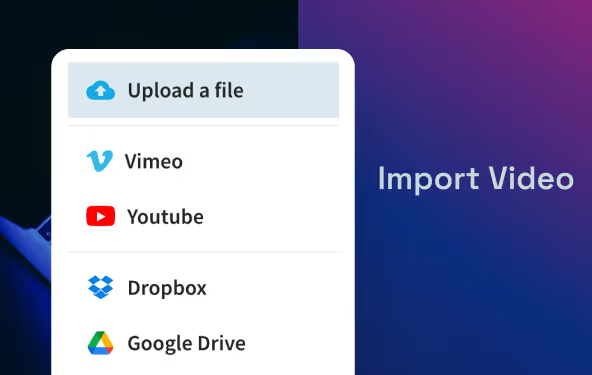
Video embeds
Add videos directly from YouTube, Vimeo, Box, or Dropbox to enrich your marketing decks. Perfect for campaign recaps and pitch presentations.
Webview embeds
Embed live content—from Figma, Miro, Typeform, or Loom—inside your slides. Review creative work, prototypes, or surveys in your presentation.
Narration embeds
Record or upload voiceovers in your deck. Add context, storytelling, or presenter notes that bring slides to life—even when you’re not in the room.
Bring data to life, beautifully
From spreadsheets to standout slides in minutes. Impress prospects with dynamic data visualizations that make an impact.
Connect any spreadsheet
Enable real-time updates by linking data sources. Great for dynamic presentations or frequently changing metrics.
Pick the perfect Smart Slide
Choose from a variety of chart and data slides including: Line, bar, pie, waterfall, area, donut and many more.
Watch layouts auto-adjust
Define your brand colors, fonts, and logos once and the slides will adapt automatically. Shared themes keep every deck consistent and polished.
Edit numbers directly
Quickly enter, adjust, or update specific data points, making edits a breeze.
Get a headstart with our presentation templates
Each template is built with Smart Slides, so you can apply your theme styling, and deliver polished work fast.

Sales Go To Market Presentation Template

Sales Battlecard Presentation Template

Sales Projection Presentation Template

Sales Strategy Presentation Template
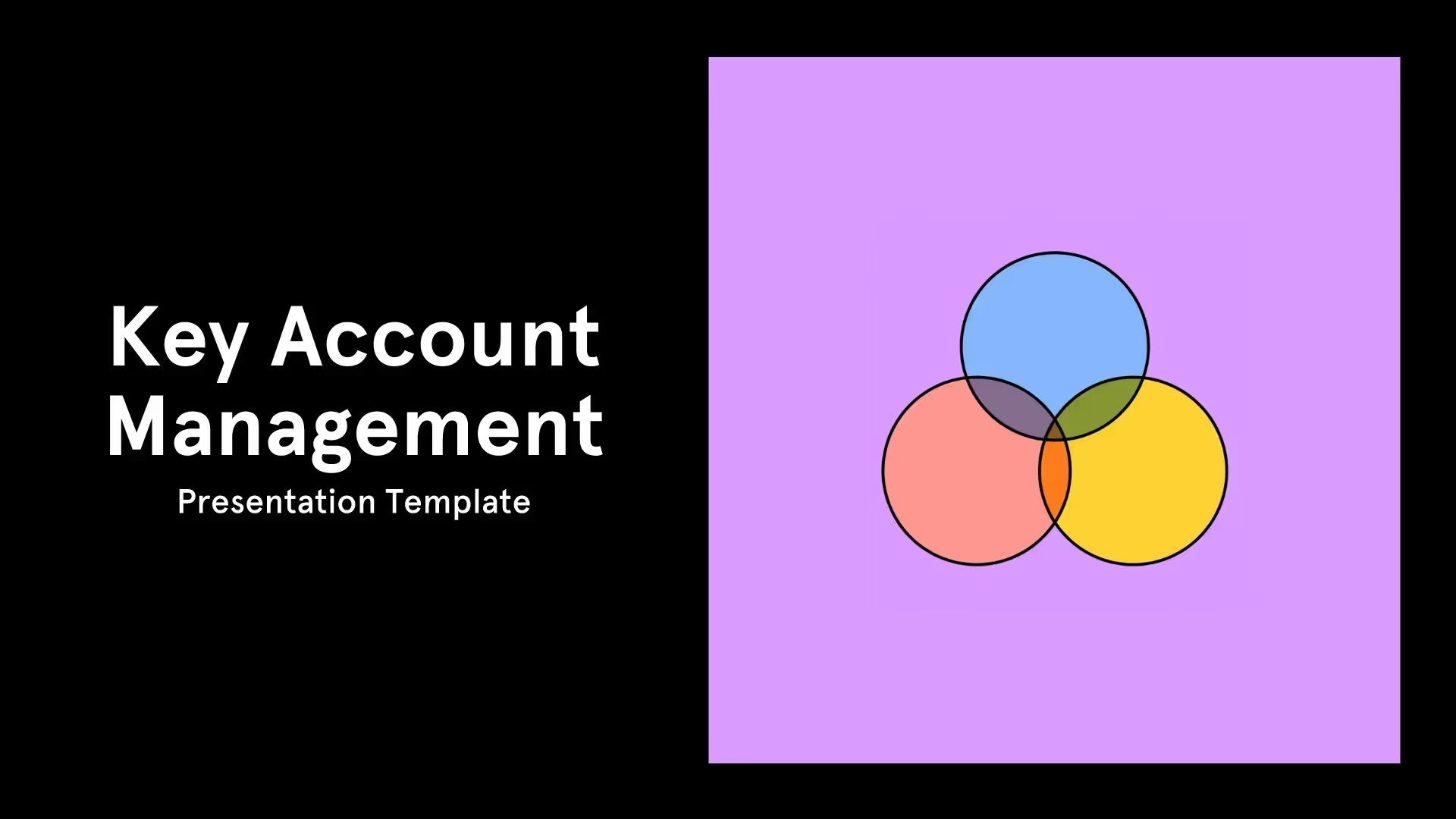
Key Account Management (KAM) Template

Sales Pitch Presentation Template
Create new decks at superspeed from 300+ Smart Slide layouts
Smart Slides transform your ideas into professional visuals that earn trust and move business forward.
Learn more about our sales presentation maker
A sales presentation is a structured pitch, typically supported by a slide deck, that showcases how a product or service solves a prospect's specific challenges. Unlike a brief sales pitch, a full presentation includes visual storytelling, data visualization, social proof, and a clear call to action. It matters because well-designed sales collateral directly influences buying decisions — research shows that pairing visuals with key messages can increase audience retention from roughly 10% to over 60%.
Beautiful.ai's Smart Slides automate the design process so your sales team can focus on the message rather than formatting.
AI sales presentation software eliminates the most time-consuming parts of building a deck: layout design, content alignment, and visual formatting. Instead of manually adjusting slide elements, AI-driven tools automatically resize, reposition, and animate your content as you add it. This can reduce deck creation time from several hours to minutes.
AI-Powered Workflows That Keep Every Sales Slide On Brand
Beautiful.ai's AI workflows help generate complete draft decks, suggest imagery, refine copy, and maintain brand consistency across every slide — ensuring that even new sales reps produce polished, on-brand presentations without design skills. Because Smart Slides enforce your brand theme automatically, your team's output stays consistent regardless of who builds the deck. See how other sales teams use these tools to close deals faster.
While the terms are often used interchangeably, they serve different audiences. A sales deck is designed to convert prospects into customers by focusing on their specific pain points, your solution, and measurable outcomes. A pitch deck, on the other hand, is primarily aimed at investors, partners, or stakeholders and emphasizes business model, market opportunity, financial projections, and growth strategy. Beautiful.ai supports both use cases with dedicated templates and Smart Slides that adapt to either format.
Yes. Presentation analytics are essential for modern sales teams because they reveal what resonates with buyers and what falls flat. Beautiful.ai's built-in analytics let you monitor who viewed your deck, how much time they spent on each slide, and which sections captured the most attention.
Using Real-Time Sales Deck Analytics to Improve Close Rates
These real-time engagement insights help you time your follow-ups precisely and refine your deck for future pitches — turning every presentation into a data-driven feedback loop that improves your close rate. Specifically, Beautiful.ai's analytics dashboard lets your sales team:
- Identify which slides in a pitch deck hold prospect attention the longest
- Detect drop-off points that signal weak messaging or unclear value propositions
- Measure total viewing time and number of return visits per sales presentation
- Compare engagement data across different sales deck versions to optimize conversion
By understanding these patterns, your team can continuously refine sales collateral for higher ROI on every pitch. Learn how leading brands track presentation engagement to improve their sales process.
Traditional tools like PowerPoint and Google Slides give you a blank canvas, which means your team spends significant time on design, alignment, and formatting. Beautiful.ai takes a fundamentally different approach: Smart Slides handle layout and design automatically as you add content, so every slide looks professionally designed without manual effort.
Why Sales Teams Switch From PowerPoint to AI Presentation Software
Combined with AI-powered deck generation, pre-built sales templates, engagement analytics, and centralized brand controls, Beautiful.ai is purpose-built to help sales teams produce high-quality presentations faster — freeing reps to focus on selling, not formatting. Unlike legacy tools that require manual design for every slide, Beautiful.ai's automation means a single rep can produce in minutes what previously took hours. See how Beautiful.ai compares to other AI presentation makers for sales.
Smart Slides vs. Blank-Canvas Slide Design for Sales Decks
The core difference comes down to design automation. In PowerPoint or Google Slides, every element — alignment, spacing, font sizing, animation — must be set manually. Beautiful.ai's Smart Slides handle all of this dynamically. When you add a data point, image, or text block, the slide restructures itself to maintain professional design standards, eliminating the formatting bottleneck that slows down sales teams.
Exporting Beautiful.ai Sales Presentations to PowerPoint and PDF
For teams that still need PowerPoint compatibility, Beautiful.ai lets you export any deck as a fully editable .pptx file or a PDF. This ensures your prospects and internal stakeholders can view, annotate, and re-share your presentations in whatever format they prefer — without losing design fidelity.
An effective sales deck typically follows a proven narrative structure. Most high-performing sales presentations include these core sections:
- A problem statement that frames the prospect's key challenge
- A solution overview highlighting your value proposition and competitive differentiators
- Supporting proof such as case studies, ROI data, and data visualization
- A product demonstration or walkthrough showing your solution in action
- A closing slide with a strong call to action and clear next steps
Many sales experts recommend keeping decks between 8 and 12 slides and limiting presentations to roughly 20 minutes to maintain audience engagement.
Sales Deck Templates for Every Stage of the Sales Cycle
Beautiful.ai offers hundreds of pre-built sales presentation templates — including pitch decks, proposals, battlecards, and go-to-market decks — so you can start with a proven structure and customize it for each prospect. Each template uses Smart Slides that automatically adapt layout, typography, and spacing as you add your content, ensuring a professional result without manual design work.
Sales presentation templates are pre-designed slide frameworks built around common sales scenarios such as pitch decks, proposals, quarterly reviews, and competitive battlecards. The right template depends on where your prospect sits in the buying cycle: an introductory meeting calls for a concise pitch deck template, while a later-stage deal may require a detailed proposal or case study template. Beautiful.ai provides customizable Smart Slide templates for every stage of the sales process, and each template automatically adapts its layout when you insert your own content, logos, and brand colors.
Brand inconsistency is one of the biggest challenges for scaling sales teams. Without centralized controls, individual reps end up creating mismatched decks with different fonts, colors, and messaging. Beautiful.ai solves this with a centralized brand theme system: upload your company's logo, color palette, and fonts once, and every slide across every deck automatically inherits those brand guidelines.
Secure Team Access With Single Sign-On for Presentation Software
Shared team templates and a slide library ensure consistent messaging, while SAML-based single sign-on (SSO) provides secure access management for your entire organization. Enterprise plans give administrators full control over who creates, edits, and shares decks — keeping your sales collateral both on brand and secure at scale.
Beautiful.ai is designed to fit into existing sales workflows. It integrates with third-party apps like Dropbox, Slack, and Monday.com to streamline file sharing and collaboration. You can also export finished presentations as PowerPoint files or PDFs for offline use, and embed decks directly into emails or websites. This flexibility means your team can adopt Beautiful.ai without overhauling their current technology stack. For a deeper look, see our guide to Beautiful.ai integrations.
Beyond standard pitch decks, Beautiful.ai supports a wide range of sales collateral. Teams use the platform to create:
- Sales proposals and pricing documents for B2B deal cycles
- Competitive battlecard decks with side-by-side data visualization
- Sales enablement training materials for onboarding new reps
- Case study presentations with embedded social proof and ROI metrics
Each type has dedicated templates with Smart Slides optimized for that use case, so your team can produce any deliverable quickly while maintaining a consistent, professional look. To get started, follow this simple workflow:
- Choose a sales presentation template that matches your deliverable type
- Apply your brand theme to lock in your logo, colors, and fonts automatically
- Add your content and let Smart Slides handle layout, spacing, and design
- Share via a secure link, export to PowerPoint, or download as a PDF
Ready to see it in action? Start your free 14-day trial.

Discover a faster way to create stunning presentations.
Work smart, work simple, work beautiful.
