

Create beautiful marketing presentations in minutes.
Beautiful.ai helps marketing teams create on-brand, high-impact presentations in minutes. From campaign proposals to performance reports, every deck looks consistent, professional, and built to impress.
Captivate your audience with on-brand presentations
Beautiful.ai helps marketing teams create stunning, consistent decks in minutes.
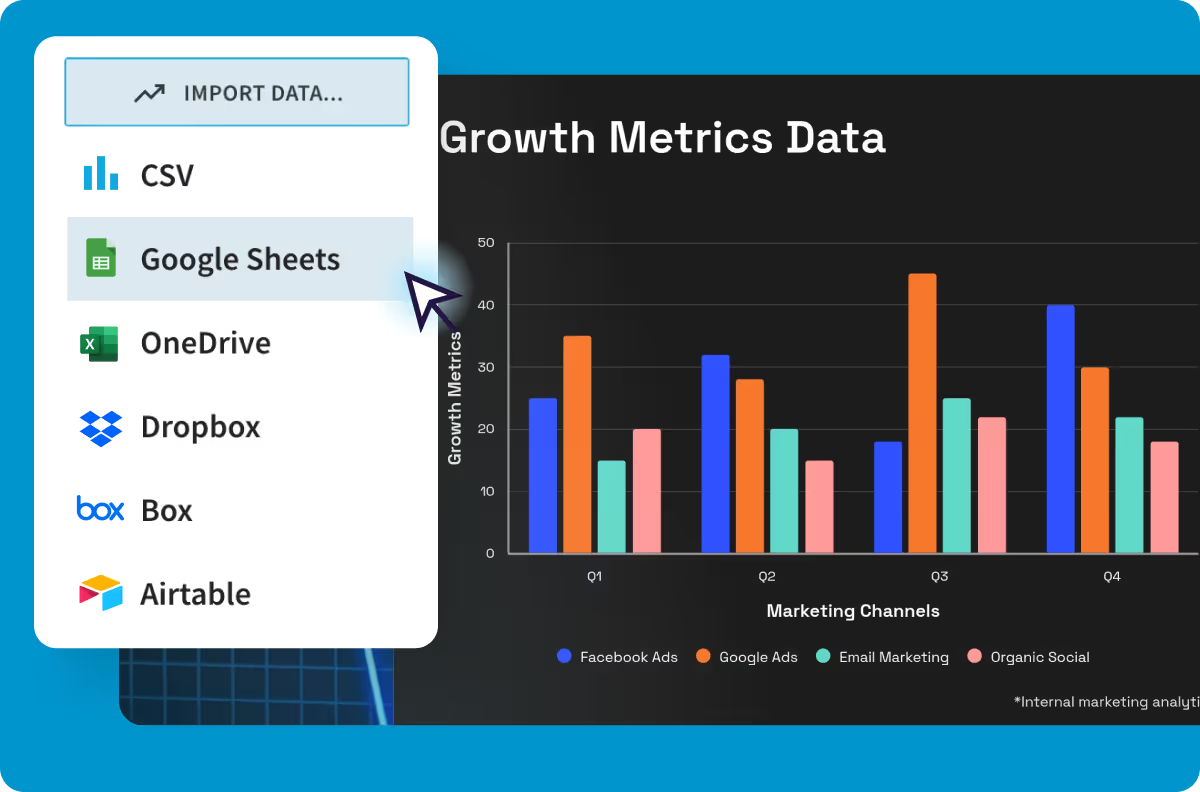
Visualize & sync your marketing data
Bring your data to life with dozens of professionally designed charts, diagrams, and graphs.
Nail remote collaboration & content sharing
Collaborate seamlessly and get sign-off in real time. Beautiful.ai keeps your team aligned, productive, and always working from the latest version.

“We have more people telling better stories, more compelling stories, because of Beautiful.ai.”

Alex Richter
Parnter and CMO, Camelot Strategic Marketing and Media
“The time savings with Beautiful.ai has been huge. I would say anywhere from 50-75% reduction in time. We could have the sales team or other people help with slides, we don’t need a designer on hand every minute.”

Brenda Ramsey
Creative Director, Paciolan
“Using Beautiful.ai templates breaks the norm and allows you to work better, think in a new way, and tell your stories better, which I think helps you sell better.”

Kara Margraf
Marketing Manager, IntelAgree
How Beautiful.ai helps marketing teams move faster
Marketers save an average of 7.8 hours a week — worth $23K annually
From first idea to final presentation, Beautiful.ai helps marketers turn concepts, campaigns, and results into beautiful, on-brand slides—10x faster.

Kickstart your deck with AI
Simply enter a prompt and get a structured deck in seconds, complete with copy, images, and slide layouts that flow.
Focus on story, not formatting
Smart Slides resize, realign, and animate your content automatically so you can edit and refine at superspeed.
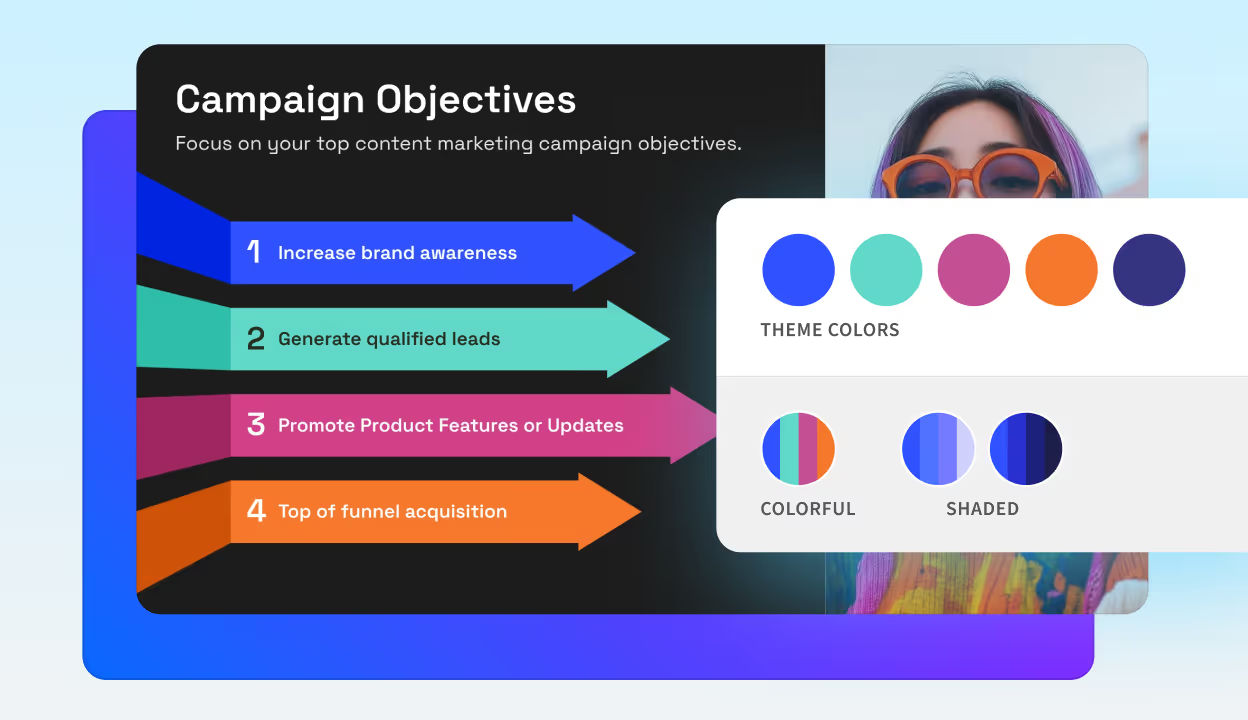
Keep every campaign on brand
Define your brand colors, fonts, and logos once and the slides will adapt automatically. Shared themes keep every deck consistent and polished.
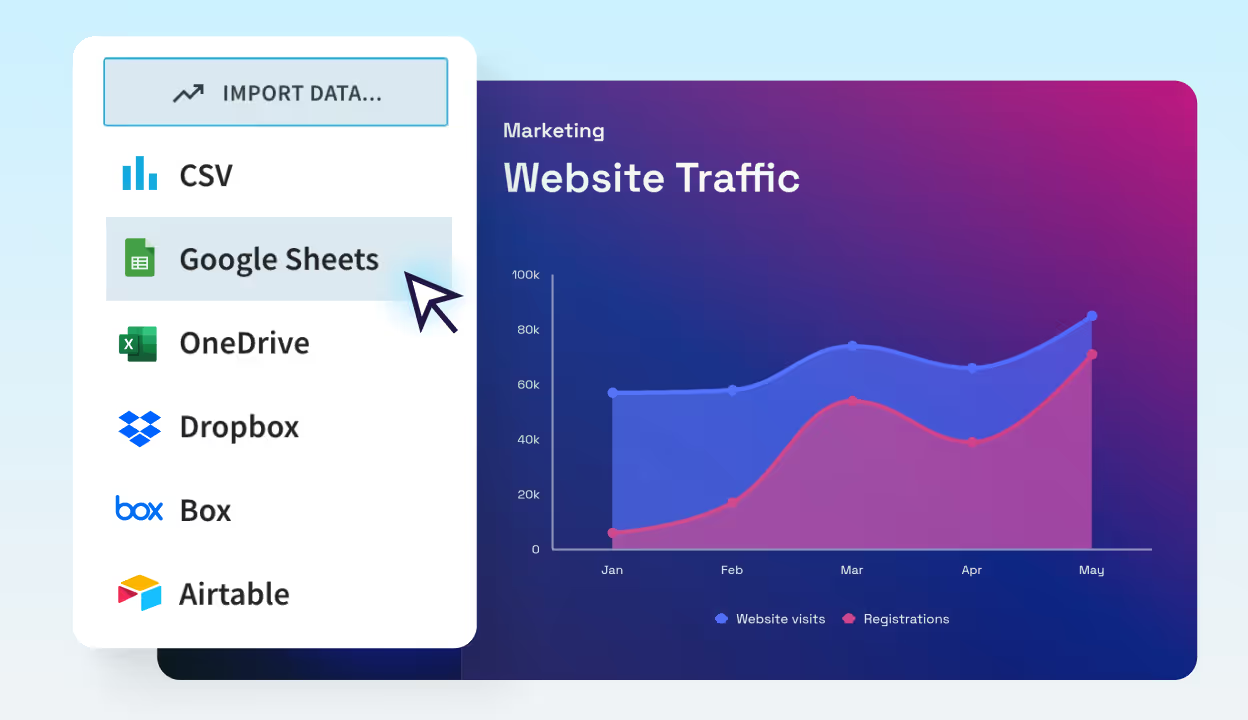
Turn data into persuasive visuals
Upload or link your spreadsheet and let Smart Slides transform numbers into charts, trends, and visuals that make performance results easy to understand.
Features built to scale marketing efforts
Everything you need to empower your marketing teams to create content quickly and easily.
Themes & brand control
Define your brand colors, fonts, logos, and layouts once—then apply them automatically to every deck. Keep every campaign presentation consistent, polished, and on brand.
Create with AI
Kickstart campaign recaps, proposals, or reports with AI. Enter a prompt and get a complete deck with smart structure, visuals, and copy in seconds.
Smart Slides
Smart Slides auto-align, resize, and animate your content as you edit—so you can focus on your message, not the formatting.
Data visualization
Transform marketing metrics into clear, animated charts. Link live spreadsheets for fast updates and effortless reporting.
Media libraries
Access millions of free stock photos, videos, and icons directly within your slides—no switching tabs or tools.
Presentation templates
Start fast with professionally designed templates built for marketing decks—from campaign plans to performance reviews.
Teams & presentation workflows
Collaborate in real time with shared slides, brand-locked themes, and user permissions that keep content consistent.
Sharing & viewer analytics
Share securely and see how your audience engages. Track views, slide performance, and timing for smarter follow-ups.
Slide animations
Add polish with smooth, professional animations between slides. Hold your audience’s attention from start to finish.



Transform static slides into immersive, multimedia experiences.
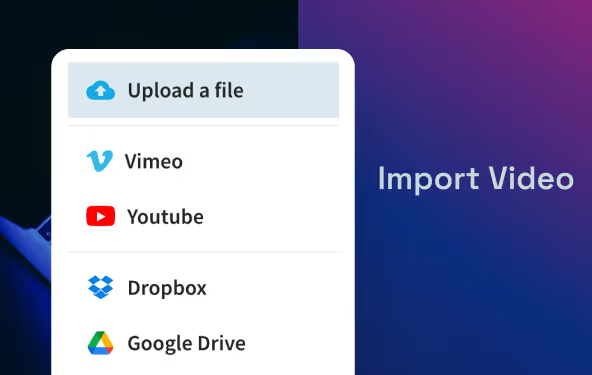
Video embeds
Add videos directly from YouTube, Vimeo, Box, or Dropbox to enrich your marketing decks. Perfect for campaign recaps and pitch presentations.
Webview embeds
Embed live content—from Figma, Miro, Typeform, or Loom—inside your slides. Review creative work, prototypes, or surveys in your presentation.
Narration embeds
Record or upload voiceovers in your deck. Add context, storytelling, or presenter notes that bring slides to life—even when you’re not in the room.
Discover AI tools for every step of your presentation creation
From full decks to final details, Beautiful.ai brings targeted AI into your workflow — so you move faster and stay in control.
AI Presentation Builder
Turn any document into a complete deck draft. Enter a prompt and AI will create a full set of editable Smart Slides with copy and images.
AI Slide Generation
Need one more slide for the update? Prompt for a single slide, or pick a Smart Slide layout, to spin up a polished starting point.
AI Images
Describe the visual you need: Campaign concept, persona, or product scene, and get images that match your deck style in just a few clicks.
AI Writing Assistant
Draft headlines, sharpen messaging, or tighten bullets. Re-write, expand, or shorten copy directly on the slide.
Transform every marketing deck with Beautiful.ai
Give your team the tools they need to create impactful presentations: Marketing plans, ad campaigns, performance reviews, and social media reports.
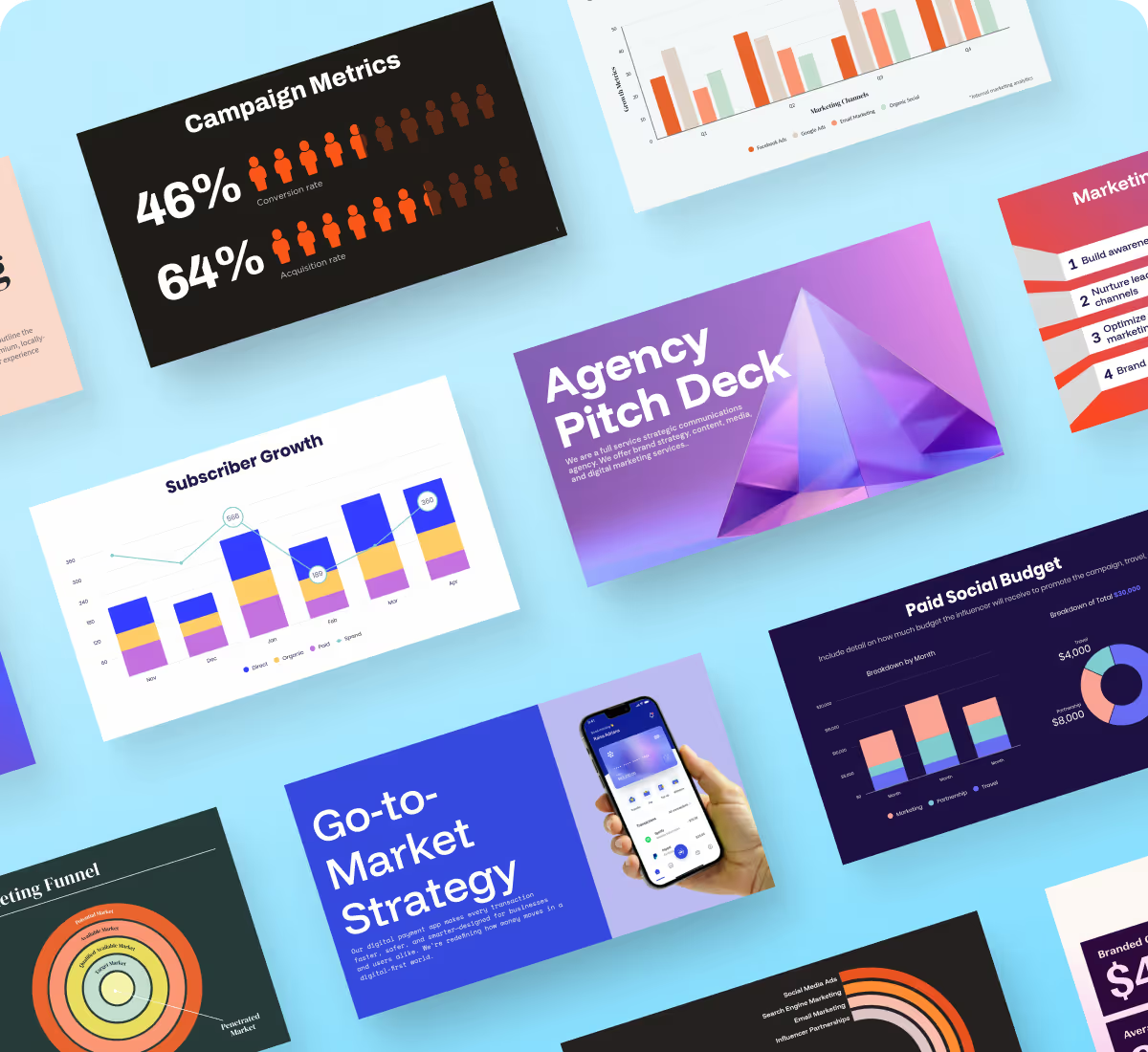
Strategy & planning
Build polished, on-brand proposals showcasing your marketing strategy, timeline, and goals. Highlight performance metrics with Smart Slides that make results compelling.
Infographics & reports
Turn complex data into beautiful, easy-to-understand visuals. Beautiful.ai helps your team share insights through stunning, on-brand infographics and reports.
Pitches & proposals
Create persuasive, on-brand decks that win clients and stakeholders. Beautiful.ai helps you tell a clear story, showcase creative work, and make every pitch presentation stand out.
Get a headstart with our presentation templates
Kick off your proposal, report, or strategy deck with a ready-to-edit presentation template. Each is built with Smart Slides so you can apply theme styling and deliver work fast.
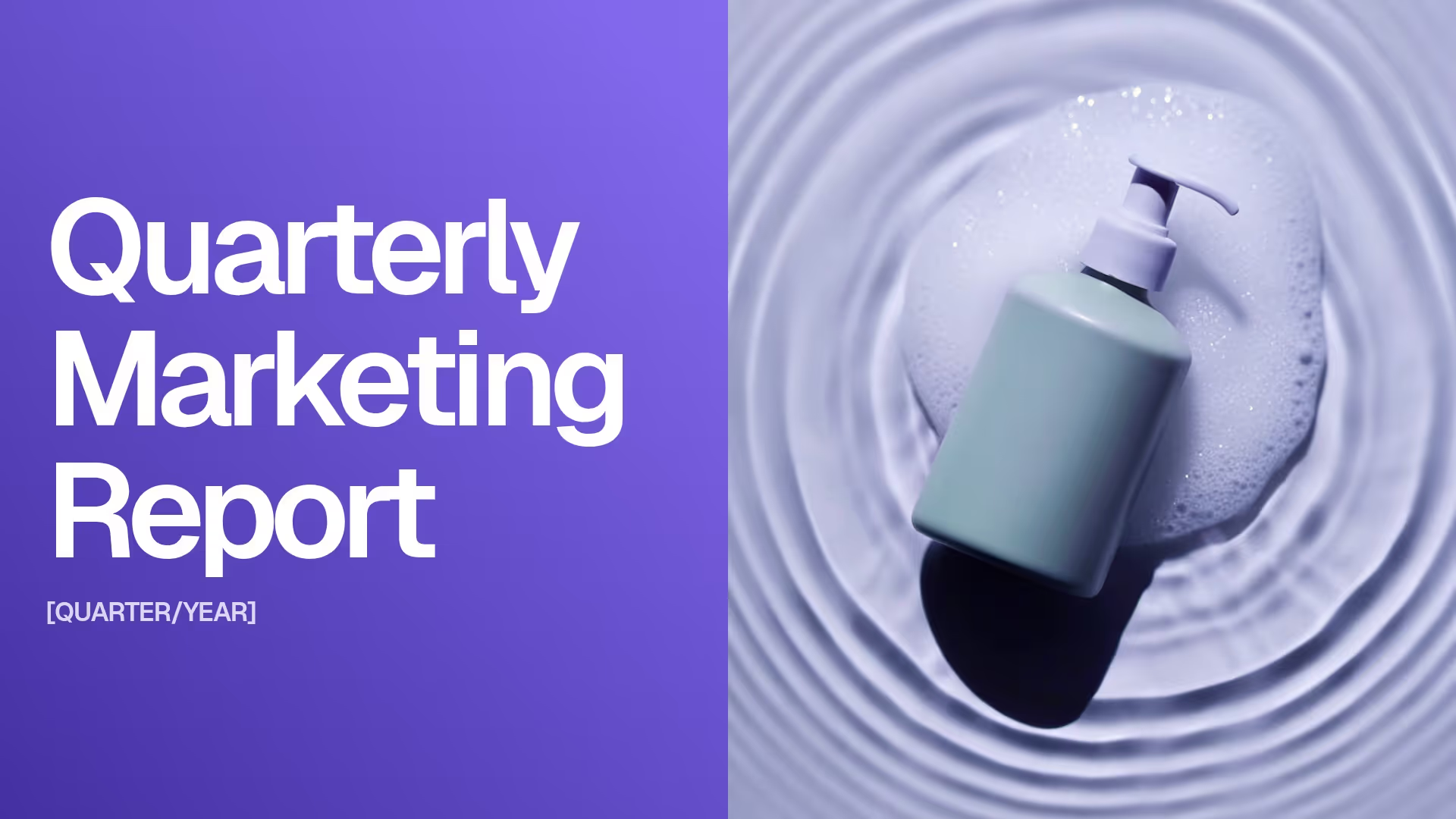
Quarterly Marketing Report Presentation Template

Brand Partnership Presentation Template
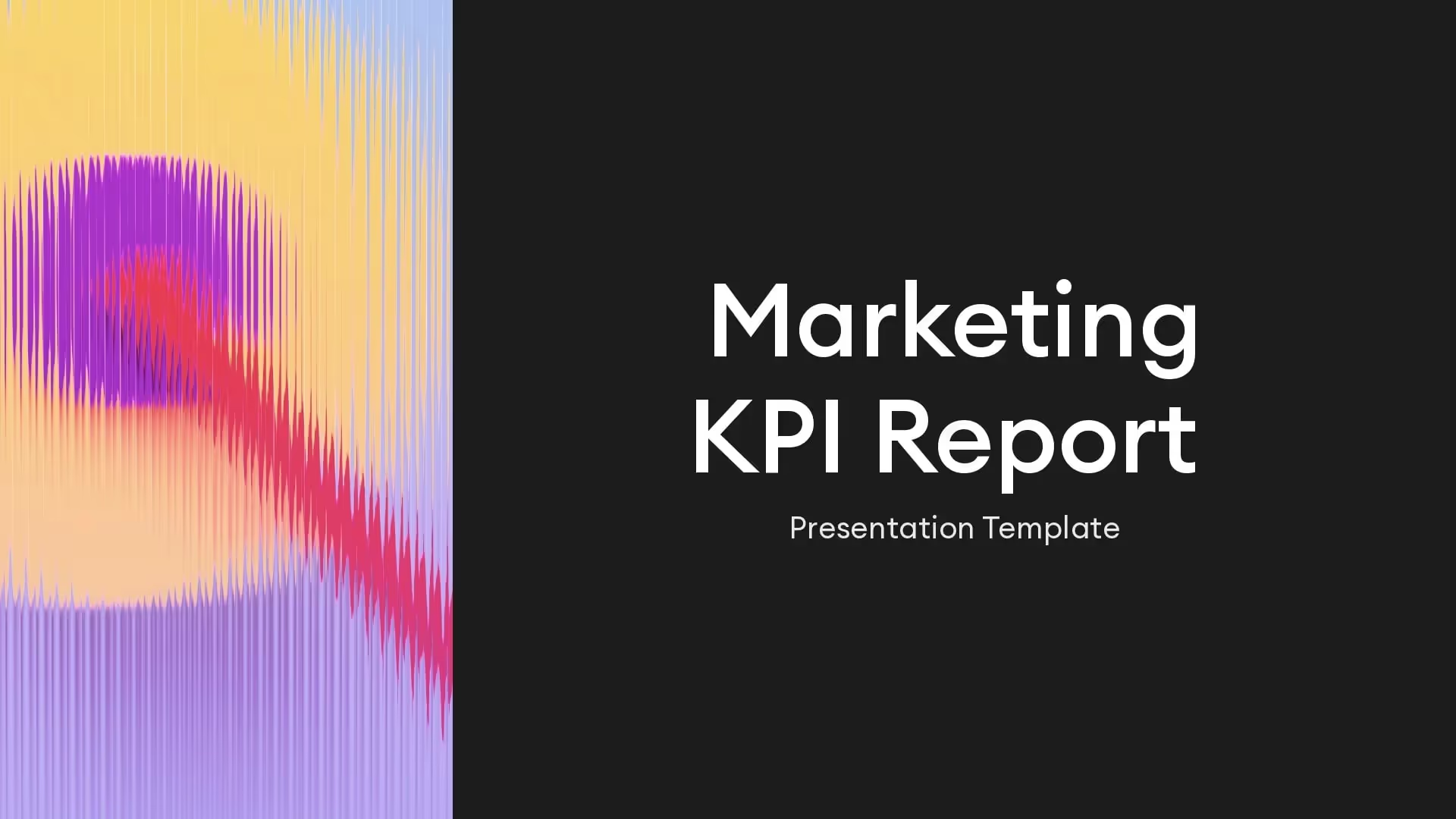
KPI Marketing Report Template
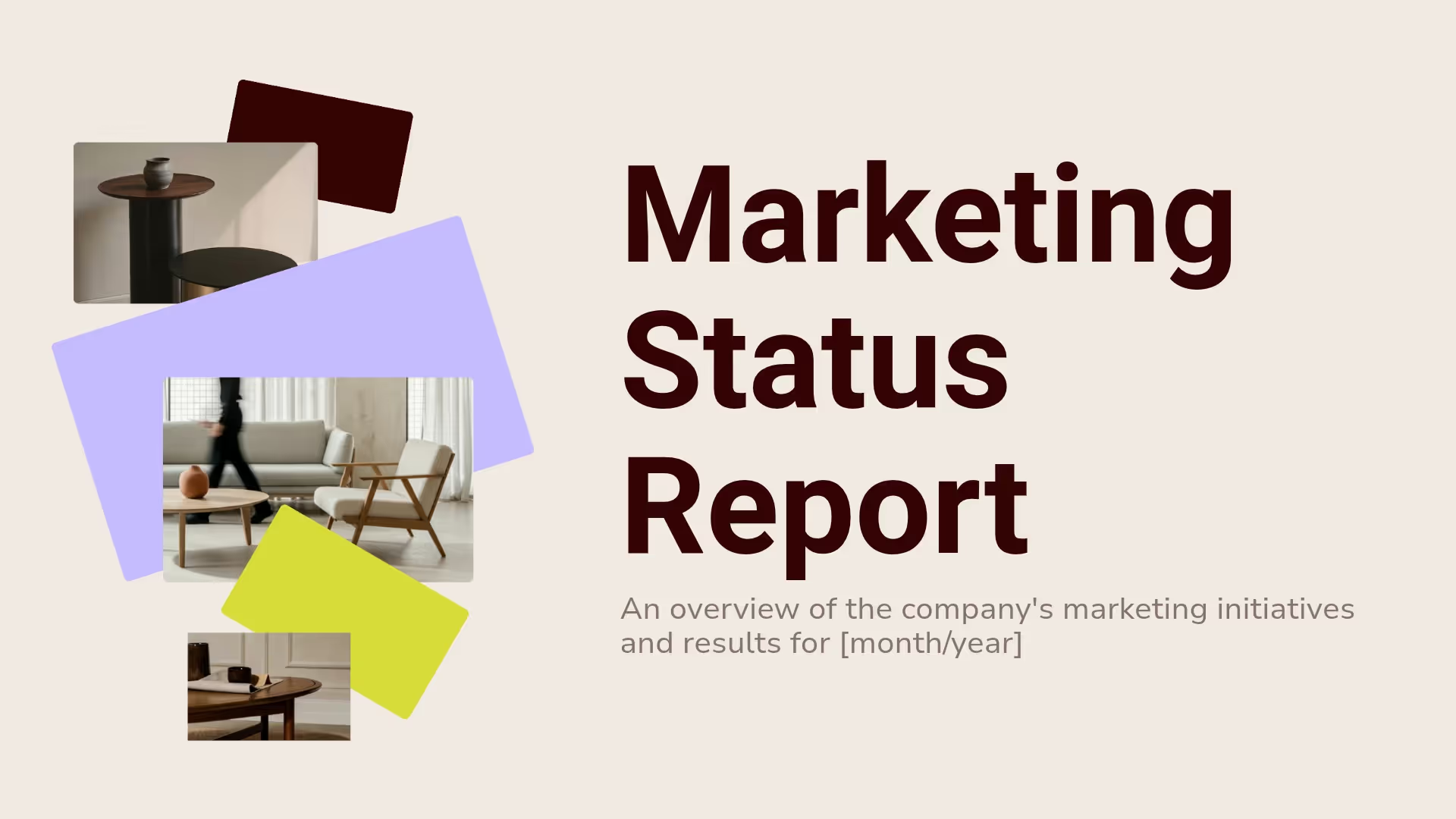
Marketing Status Report Presentation Template
Total Addressable Market (TAM) Presentation Template

Marketing Plan Template
Build decks at superspeed from 300+ Smart Slide layouts
Smart Slides transform your ideas into professional visuals that earn trust and move business forward.
Marketing presentation template FAQs
Beautiful.ai provides a comprehensive library of marketing presentation templates designed for every stage of the marketing lifecycle. Whether you're planning a campaign, reporting on performance, or pitching a new initiative, there's a template ready to customize.
Campaign and product launch templates
Launch campaigns with templates built for go-to-market strategies, product announcements, and promotional planning. These include slides for timelines, target audiences, messaging frameworks, and success metrics—helping you align your team and stakeholders from day one. Explore the go-to-market strategy template to get started.
Marketing plan and strategy templates
Map out your marketing strategy with templates designed for annual plans, quarterly roadmaps, and campaign briefs. Each template provides a clear structure for goals, tactics, budgets, and KPIs so you can present a complete picture to leadership.
Additional marketing presentation template categories include:
- Social media marketing presentations and analytics reports
- Content marketing decks and editorial calendars
- B2B marketing plans and account-based marketing slides
- Brand guideline presentations and style guides
- Competitive analysis reports and market research decks
Templates for multimedia marketing presentations
Beautiful.ai marketing presentation templates go beyond static slides. Embed product demos, testimonials, or campaign videos directly into your marketing slides and play them inline without leaving the presentation. Pull in live dashboards, landing pages, or interactive prototypes to show real-time marketing results right inside your deck. You can also record voiceovers and add narration to slides for asynchronous presentations—letting your marketing message speak for itself even when you're not in the room.
Absolutely. Beautiful.ai is built for brand consistency across every marketing presentation your team creates.
Adding brand colors, fonts, and logos
Upload your brand assets once and apply them across all presentations. Set primary and secondary colors, choose from hundreds of fonts or upload custom typefaces, and place your logo exactly where you want it. Every new marketing deck starts on-brand from slide one. Define your visual identity once, then apply it everywhere—whether it's a product launch, campaign kickoff, or quarterly performance review, your presentations stay consistent and professional.
Creating reusable branded marketing slides
Build a library of approved slides that your entire marketing team can access. Create master slides for common use cases—title slides, data slides, closing CTAs—and lock them so formatting stays consistent. When you update a shared slide, the change reflects everywhere it's used—saving hours of editing across campaign decks, executive summaries, performance reports, and creative briefs.
Advanced brand controls for marketing teams
Team and Enterprise administrators get granular control over brand governance across all marketing presentations. Enterprise teams get additional controls for brand governance including centralized asset management that ensures no more wasted hours searching for lost files and decks.
Beautiful.ai transforms complex marketing metrics into clear, compelling visuals that tell your story. Bar charts, line graphs, pie charts, funnels, and more let you visualize campaign performance, audience segments, and marketing ROI with clarity.
Powerful chart and graph tools give you granular control over every data point. Upload any spreadsheet to transform numbers into presentation-ready graphics, and link live spreadsheets for real-time data updates. Create shared team slides and update metrics across all marketing presentations with a single click. All Smart Slides auto-adjust when you edit and auto-animate when you present—making your marketing results impossible to ignore.
Track presentation performance and measure engagement through Viewer Analytics. See exactly who viewed your marketing deck, which slides they spent time on, and when—then use those insights to follow up at the right moment.
Marketing presentations often require input from strategists, designers, copywriters, and leadership. Beautiful.ai streamlines collaboration so everyone can contribute without version control chaos.
Multiple team members can edit a marketing presentation simultaneously in real time. Leave comments on specific slides to provide feedback, tag colleagues to assign tasks, and track changes as they happen. Live editing and inline comments keep feedback centralized and actionable, while slide assignments and tracking ensure accountability and timelines. Shared team folders keep all marketing decks organized and accessible.
For enterprise teams, Beautiful.ai offers secure collaboration features including SAML-based single sign-on (SSO), role-based permissions, and audit logs. Control who can view, edit, or share sensitive marketing materials from a centralized admin dashboard. Third-party integrations with Dropbox, Slack, and Monday.com speed up your workflow and increase productivity.
Slide-level permissions and template locking
Restrict editing access to specific slides or lock entire marketing templates so only approved team members can modify brand elements. This ensures every marketing presentation meets brand standards—even when multiple contributors are involved.
Beautiful.ai offers a 14-day free trial with full access to all marketing presentation templates, Smart Slides, AI features, and collaboration tools. Create unlimited presentations during the trial and explore everything the platform offers.
After the trial, flexible pricing plans are available for individuals, teams, and enterprises. The Pro plan includes unlimited templates, AI content generation, brand theming, and export options. Team and Enterprise plans add collaboration features, admin controls, and priority support. View Pricing
H4: Marketing presentation features at a glance
Beautiful.ai gives marketing teams a complete presentation software toolkit designed to streamline every stage of your marketing presentation workflow:
- Smart Slides — Over 300 intelligent layouts handle design automatically, adapting to your content as you edit so you can focus on your marketing message
- Slide animations — Add smooth transitions and entrance animations to keep your audience engaged and build momentum through your marketing story slide by slide
- Data visualization — Transform marketing metrics into clear, animated charts and graphs. Link live spreadsheets for fast updates and effortless reporting
- Stock media libraries — Access millions of royalty-free photos, icons, and videos to find the perfect visual for any marketing presentation without leaving the platform
- AI presentation maker — Generate complete marketing decks from a prompt, create individual slides on demand, and refine copy with the AI writing assistant
- Flexible sharing and export — Share presentations with a click using secure links, email, or embed codes, and export to PowerPoint or PDF for offline distribution
- Viewer Analytics — Track who opened your marketing deck, which slides they spent time on, and when—so you can follow up at the right moment
- Enterprise security — SAML SSO, SCIM provisioning, audit logs, and role-based permissions keep your marketing materials secure at scale
Explore the latest capabilities in our product updates. Browse all marketing presentation templates or view pricing to get started.
Creating a marketing presentation in Beautiful.ai takes just a few steps:
- Browse the template gallery and select a marketing presentation template that matches your objective—campaign pitch, performance report, or strategic plan
- Customize every element in the editor: replace placeholder text, swap images from the stock library of millions of free photos, videos, and icons, and adjust colors to match your brand
- Let Smart Slides automatically reformat your content as you edit—over 300 intelligent layouts handle alignment, spacing, and resizing so you can focus on your marketing presentation narrative
- Share via link, present directly from the platform, or export to PowerPoint or PDF
Learn more about how Beautiful.ai works.
Beautiful.ai brings targeted AI into every step of your marketing presentation template workflow—from first draft to final polish.
AI marketing presentation builder
Describe your marketing objective—whether it's a campaign recap, proposal, or quarterly report—and Beautiful.ai builds a complete presentation with relevant slides, structure, and placeholder content in seconds. Enter a prompt or paste your brief, and the AI presentation maker generates a full draft you can refine from there.
AI slide generation and content tools
Need an extra slide for a competitive analysis, timeline, or budget breakdown? Describe what you need and AI generates it instantly. The AI writing assistant also helps you refine headlines, tighten bullet points, or rewrite copy for tone—so your marketing message lands every time. You can even generate custom images that match your brand aesthetic without searching stock libraries.
Yes. Beautiful.ai makes it easy to share marketing presentations in the format your audience prefers. Export your completed deck as a fully editable PowerPoint file (.pptx) that retains your formatting, animations, and layouts. You can also download presentations as PDFs for easy distribution or offline sharing.
For teams using Google Workspace, exported PowerPoint files upload directly to Google Slides. The PowerPoint integration ensures your marketing presentations reach every stakeholder—whether they're reviewing a campaign proposal, a performance report, or a social media strategy deck. View all integrations to see how Beautiful.ai fits your workflow.
Most presentation tools require manual adjustments—dragging boxes, aligning text, resizing images. Beautiful.ai eliminates that busywork with Smart Slides, intelligent layouts that adapt automatically as you add content. Marketing teams save an average of 7.8 hours a week—worth $23K annually.
Key differentiators for marketing teams:
- AI-powered slide generation that creates marketing decks from a simple prompt—turning concepts, campaigns, and results into beautiful slides 10x faster
- Smart Slides that auto-format, resize, realign, and animate content so you focus on messaging, not design
- Viewer Analytics to track who opened your presentation, which slides resonated, and when—for smarter follow-ups
- Locked brand elements, shared slide libraries, and synchronized slide updates for instant consistency across every campaign
Beautiful.ai helps marketing teams build polished, professional presentations in a fraction of the time. See how marketing teams use Beautiful.ai in our customer stories.

Discover a faster way to create stunning presentations.
Work smart, work simple, work beautiful.
